
How I Made a 10-Second Channel Intro With Claude and Kling
July 26, 2026 · Jason Appleton
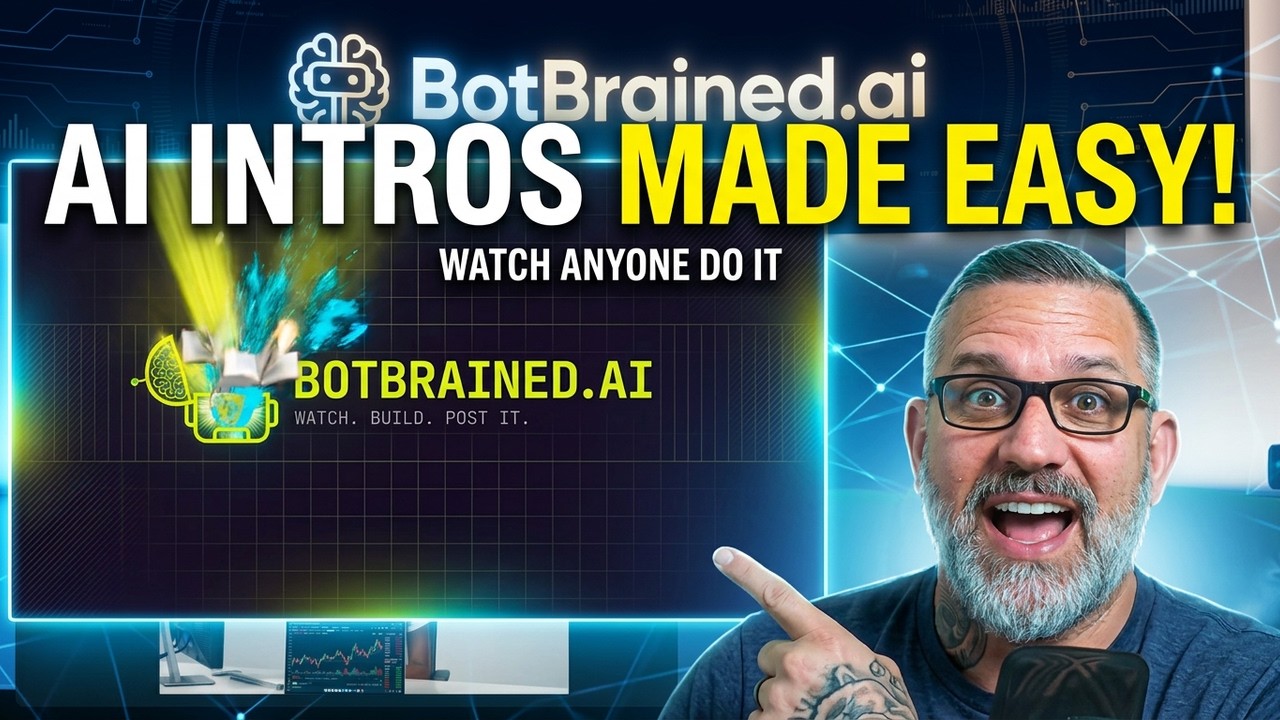
I needed an intro clip for this channel. Something to open the videos with. Then it occurred to me that making it was the video, so I filmed the whole thing and you can watch me figure it out in real time.
Total effort: one request to Claude Code, two prompts pasted into Higgsfield, 60 tokens. The clip plays at the start of the video you'd have already seen before reading this.
The request
I opened Claude Code and typed roughly this:
I need a 10 second video intro clip featuring BotBrained.ai. I need a prompt featuring the logo screen so I can animate it.
Then I gave it references — an image I'd created previously, plus the logo — and told it what to do with them:
Use the reference logo and the screenshot to create a prompt to create a new image to begin the video clip. Then give me the prompts I need for Higgsfield to create the new image and then the video clip.
Hit return. That's the whole ask.
Two things worth pulling out of that. First, I asked for two prompts, not one. Making an animated clip from a still image is two jobs — generate the frame, then animate the frame — and they need different prompts. Ask for both up front and you're not going back mid-workflow.
Second, I gave it reference material instead of describing my brand in words. The logo and a previous image tell it more about what BotBrained.ai looks like than a paragraph of adjectives would.
Small confession while I was at it: I have two different logos. I made one, then made the other, and they don't match. I know. I'm going to fix that at some point. I used what I had and moved on, because a mismatched logo in an intro clip is a problem you can solve later and a channel with no intro clip is a problem right now.
Step one — the still
Claude came back with the prompt for a cinematic 16:9 hero image, the frame I'd eventually animate. It also told me specifically what to do with it: use my avatar as a character style reference, and set the aspect ratio.
That's the part I like. It didn't just hand me text, it told me how to feed it in.
I already had the aspect ratio set, so I deleted the old prompt from the box, pasted the new one, and uploaded the reference images.
Then Higgsfield did something I didn't ask for. It generated multiple versions at once, when I only had it set to make one.
About that
Higgsfield does this. You ask for an image with one model and it produces versions using other models too, so you see what those models can do. People call it shady. It's certainly designed to get you spending tokens — you look at what a different model produced, think oh wow, and start using it.
I'll be honest, though: as marketing, it's genius. Whoever runs that side of Higgsfield knows exactly what they're doing, and the platform itself has become genuinely good. Both things are true. Just know it's happening so you're choosing to spend rather than drifting into it.
I got my image out of the pile and moved on.
Step two — animate it
I didn't need to download the still. I turned it straight into a video from inside Higgsfield.
Model: Kling. I left it on Kling and didn't overthink it. Then back to Claude, copy the second prompt — the animation one — and paste it into Higgsfield.
The prompt specified 15 seconds. I didn't need 15. A 10-second intro opener is plenty. But I don't have an unlimited video plan the way I do for images, so this was going to cost tokens either way: 60 tokens for the generation.
Clicked generate. Waited.
One note on the video itself — I cut all the wait time out. If you're following along and wondering why it's taking so long for you and it looked instant for me, that's why. Generation isn't fast. I just didn't make you sit through it.
What came out
I played it back for the first time on camera, without having seen it.
It's fine. Simple, mostly atmospheric. No letter animation, nothing moving in the logo itself. For an intro clip, that's fine.
But here's the honest bit, and it's the actual lesson: I got a basic result because I gave basic direction. I told Claude I wanted an animated intro clip. That's it. No description of what should move, no idea of what the shot should do.
If I'd said I want the digital brain icon to explode with knowledge, it would have done that. The tool wasn't the limit. My prompt was.
That's the thing to take away if you're making your own. The generation step isn't where quality comes from. It comes from having an opinion about what should happen on screen, and saying it.
On picking the model
I used Kling 3.0 for this, mostly because why not. It handles letters and animations like this fine, it does people fine too, and it's generally a cheaper model to run.
If I'd been generating photorealistic people, I'd probably have reached for something else. For an atmospheric logo animation, Kling was more than enough.
The general advice: experiment a bit and find out what each model is actually good at for the kind of thing you make. You'll spend fewer tokens once you know.
What I'd do differently
Three things, in order of how much they'd matter:
Direct the motion. Say what moves and how. That one change would have taken this from fine to good.
Sort the logo first. Two versions of a mark is a thing you notice the moment you put it on screen at full size.
Ask for the length I want. The prompt came back at 15 seconds because I hadn't pushed hard enough on 10. Not expensive, but 60 tokens is 60 tokens.
The whole thing
Ask Claude Code for both prompts. Give it your logo and a reference image. Generate the still in Higgsfield, animate it with Kling, save it.
That's it. No editing software, no motion graphics skills, no template site. If you've been putting off making an intro because it felt like a separate discipline, it isn't one anymore.
The video shows every click if you'd rather watch than read. And if you make one, come post it at BotBrained.ai — I want to see what people do with the direction step, because that's where all the interesting differences are going to show up.
Watch the build
This was written up from the video. The build happens in real time there, mistakes included.
$9.99/month · 7-day free trial